Media & photos
PrusaSlicer
Slicer for FDM and resin 3D printers, with many printer profiles.
Release notes / version_2.9.7
Released 2026-11-02. Snapshot from the included release data, not a live check.
#  This is final release of PrusaSlicer 2.9.7. This is a small maintenance release fixing several security vulnerabilities. ## Changes with respect to [2.9.6](https://github.com/prusa3d/PrusaSlicer/releases/tag/version_2.9.6). - Fixed an out-of-bounds write when loading a 3MF with a negative bed index. - Fixed a stack buffer overflow in the `digits()` / `zdigits()` placeholder functions. - Fixed several issues in the downloader from Printables. - Fixed couple of potencionally ex
Read the full release notes on GitHub ↗Available on these platforms
Check the official download page for the supported OS version and processor architecture. A desktop download is not evidence of a native phone app.
Compatibility details and official sources
Official availability checked 2026-11-12. Availability is not feature parity. The recorded release and license refer to the linked source project; separate clients can differ. No install or compatibility test was run.
Before you install
From model to print instructions, Prusa or not.
- Will it know my printer?
- Profiles cover Prusa printers and many other makes, with multi-material and resin support. Cura is the other big free slicer; both are listed.
- Which package?
- Distribution packages or the project's own builds; an AppImage covers Linux.
- How do I trust a profile?
- Slice a known-good test model first before trusting a long print.
Advice and funding routes source-checked November 12, 2026. Researched, not an install or restore test. Installation source ↗ · Report a correction
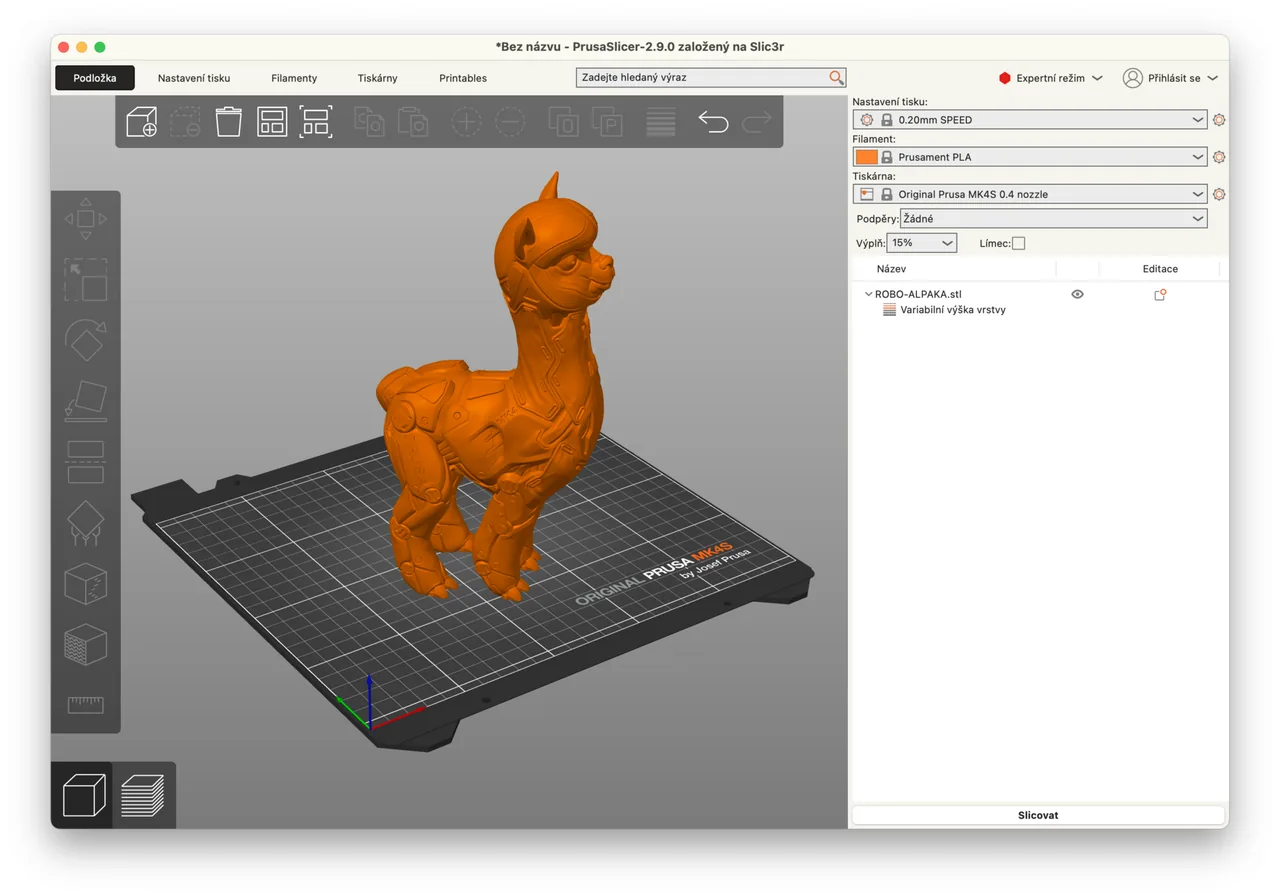

PrusaSlicer prepares 3D models for printing. It supports Prusa printers and many other makes, and handles multi-material and resin printing.
The repository’s LICENSE file is the GNU AGPL version 3. See also UltiMaker Cura.
Quick start
Checked against the project’s own documentation on November 9, 2026. We have not run these installs ourselves. Commands are copied from the project’s pages, or from Flathub and Homebrew where the section says so.
Linux
The same page covers Linux. The Flathub package is verified by its publisher:
flatpak install flathub com.prusa3d.PrusaSlicerWindows and macOS
Download from Prusa’s PrusaSlicer page.
Homebrew has a cask for it. That is Homebrew’s packaging, not the project’s own:
brew install --cask prusaslicerNixOS
nixpkgs packages PrusaSlicer as prusa-slicer (source: pkgs/by-name/pr/prusa-slicer/package.nix):
environment.systemPackages = [ pkgs.prusa-slicer ];Rebuild with sudo nixos-rebuild switch, then launch PrusaSlicer from the application menu.
First steps
- The first launch opens the Configuration Wizard. Pick your printer and filament there. You can reopen it later from the Configuration menu.
- Load a model (STL or 3MF), check its orientation on the bed, and choose a print profile.
- Slice, check the preview, then export the G-code or send it to the printer.
Source: Prusa’s Configuration Wizard article.
Linux · Slicer for FDM and resin 3D printers, with many printer profiles. Paste into your AI assistant. It may only be able to guide you. Review changes before running anything.
Researched, not run by the Index. Checked 2026-11-12. No AI account or connection is needed here.
Read or copy the prompt manually
Windows and macOS · Slicer for FDM and resin 3D printers, with many printer profiles. Paste into your AI assistant. It may only be able to guide you. Review changes before running anything.
Researched, not run by the Index. Checked 2026-11-12. No AI account or connection is needed here.
Read or copy the prompt manually
NixOS · Slicer for FDM and resin 3D printers, with many printer profiles. Paste into your AI assistant. It may only be able to guide you. Review changes before running anything.
Researched, not run by the Index. Checked 2026-11-12. No AI account or connection is needed here.
Read or copy the prompt manually
Tags: Creative