Privacy & access
Warpgate
Self-hosted smart bastion for SSH, HTTPS, MySQL and PostgreSQL - record sessions and stop handing out target credentials.
Release notes / v0.30.4
Released 2026-11-03. Snapshot from the included release data, not a live check.
Latest GitHub release at check time. The repository moved from Eugeny/warpgate to the warp-tech org; the old path redirects.
Read the full release notes on GitHub ↗Available on these platforms
Official hardware and installation choices ↗
SSH on port 2222 and the web admin/HTTPS on 8888 by default; keep the admin UI on a trusted network.
Compatibility details and official sources
Official availability checked 2026-11-12. Availability is not feature parity. The recorded release and license refer to the linked source project; separate clients can differ. No install or compatibility test was run.
Before you install
One door for SSH, databases and web admin.
- What does it run on?
- A bastion host you run: point SSH, HTTPS, MySQL and PostgreSQL clients at Warpgate instead of handing every admin credentials for every server.
- Where is my data?
- User roles, target definitions and session recordings live on your Warpgate host - which makes it a high-value system to protect.
- What will I maintain?
- A security-critical service: updates, hardening and careful role management. Session recording and access rules are the payoff.
Advice and funding routes source-checked November 12, 2026. Researched, not an install or restore test. Installation source ↗ · Report a correction
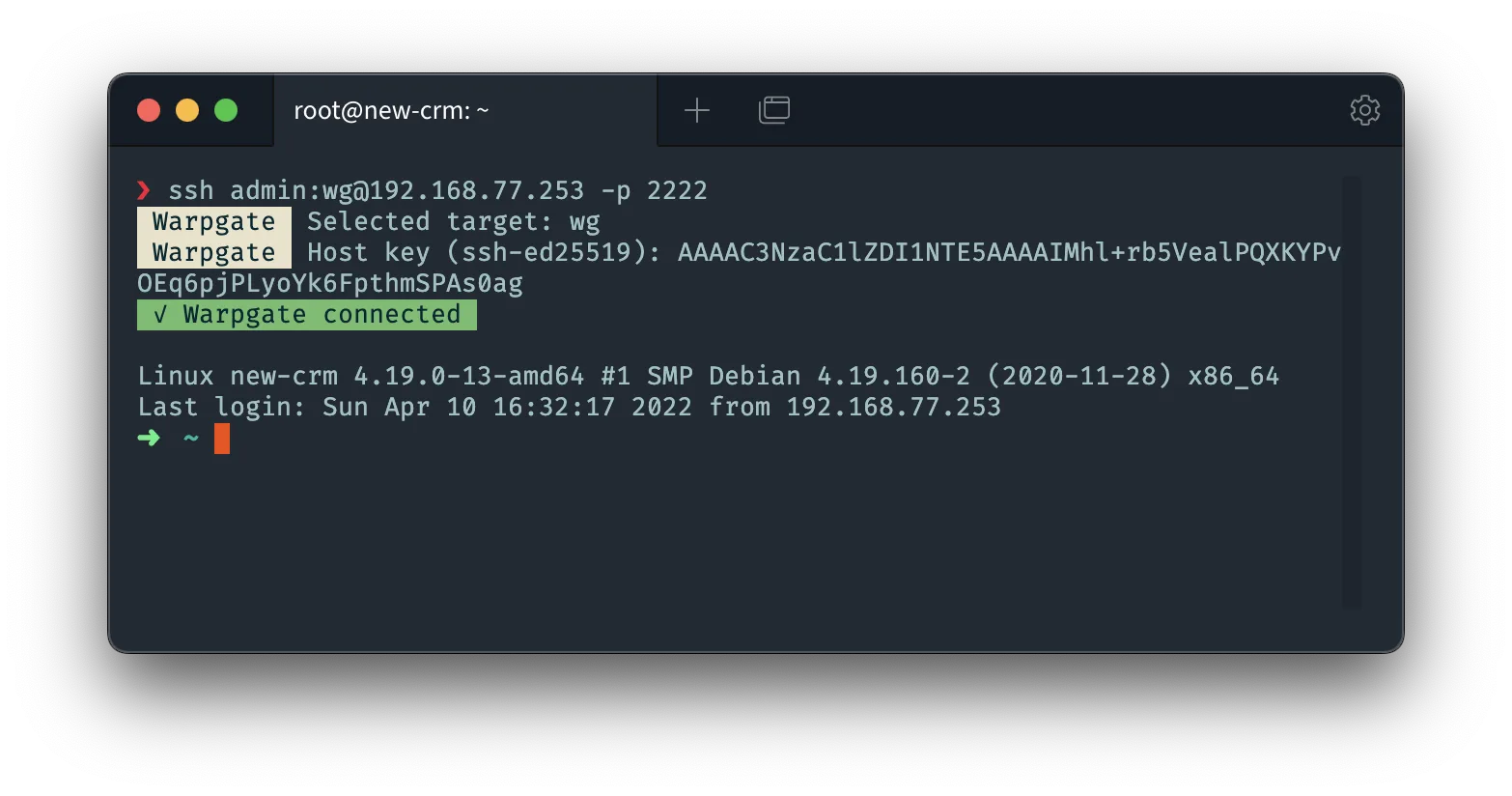
Warpgate is an Apache-2.0 smart bastion host: instead of handing every admin the credentials for every server, you point SSH, HTTPS, MySQL and PostgreSQL clients at Warpgate, and it authenticates the user, checks their roles and connects them to the targets they may reach - with session recording and a web admin UI. Targets keep no per-user keys or passwords of their own.
The project’s own FUNDING.yml directs support to its author’s GitHub Sponsors and Ko-fi, and to the Tabby Open Collective (the author’s other project); there is no Warpgate-named collective. Warpgate is the name and mark of the project. This is an independent listing, not an official Warpgate resource or an endorsement.
Quick start
Researched from Warpgate’s documentation and releases on November 12, 2026. We have not installed or run it.
Docker (upstream’s documented route)
The project documents a Docker setup:
docker run -d --name warpgate \
  -p 2222:2222 -p 8888:8888 \
  -v warpgate-data:/data \
  ghcr.io/warp-tech/warpgate:latest
warpgate setup
The interactive warpgate setup (run inside the container) sets the admin
password and listen ports. Port 2222 serves SSH, 8888 the web admin and
HTTPS targets; keep the admin UI on a trusted network. Binary releases for
Linux are published per release as an alternative.
NixOS
services.warpgate = {
  enable = true;
};
Apply with sudo nixos-rebuild switch, then run the interactive setup and
register your targets and users.
First use
Add one target and one test user, connect with
ssh user:target@warpgate-host -p 2222, and confirm the session appears in
the admin UI’s recording list before migrating real access. Back up
Warpgate’s data directory - it holds the host keys and credential store
your targets now trust.
Documentation
Docker (upstream's documented route) · Self-hosted smart bastion for SSH, HTTPS, MySQL and PostgreSQL - record sessions and stop handing out target credentials. Paste into your AI assistant. It may only be able to guide you. Review changes before running anything.
Researched, not run by the Index. Checked 2026-11-12. No AI account or connection is needed here.
Read or copy the prompt manually
NixOS · Self-hosted smart bastion for SSH, HTTPS, MySQL and PostgreSQL - record sessions and stop handing out target credentials. Paste into your AI assistant. It may only be able to guide you. Review changes before running anything.
Researched, not run by the Index. Checked 2026-11-12. No AI account or connection is needed here.
Read or copy the prompt manually
Tags: Security