Work & organize
Vikunja
Tasks, projects and shared plans, with list, kanban, table and Gantt views.
Release notes / v2.8.0
Released 2026-11-05. Snapshot from the included release data, not a live check.
🦙 Vikunja 2.8.0 is out! It fixes 19 security issues, so please update soon 🔒 Also new: a trash bin with undo for tasks and projects 🗑️ and a way to link your SSO account to your local one 🔗 https://vikunja.io/changelog/vikunja-2.8.0-was-released/
Read the full release notes on GitHub ↗Available on these platforms
The task interface is browser-based. Server installation targets and any third-party mobile clients are separate compatibility questions.
Compatibility details and official sources
- Web - Browser interface
Official availability checked 2026-11-12. Availability is not feature parity. The recorded release and license refer to the linked source project; separate clients can differ. No install or compatibility test was run.
Before you install
Tasks and projects, list or board.
- What does it run on?
- A server you self-host (Docker documented) or the project's hosted service, used through its web app.
- Where is my data?
- Tasks, due dates, labels and assignments live on your server. Several views let the same plan work as a task list or a project board.
- What will I maintain?
- The server stack, updates and a database backup. Core server and web app are AGPL-3.0-or-later.
Advice and funding routes source-checked November 12, 2026. Researched, not an install or restore test. Installation source ↗ · Report a correction
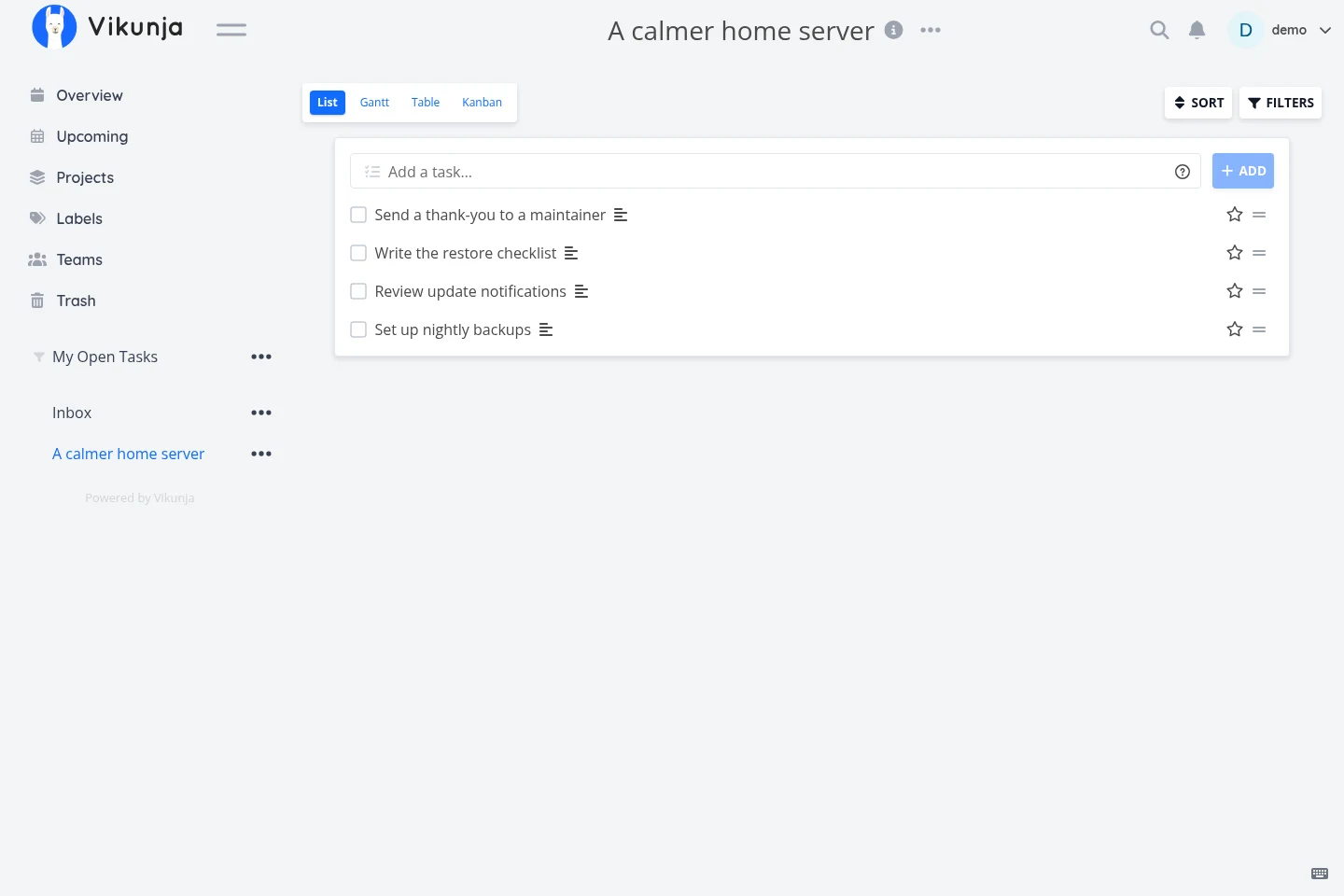
Vikunja brings personal tasks and shared projects into one web app. Due dates, labels, assignments and several views let the same plan work as a task list or a project board. It can be self-hosted or used through the project’s hosted service.
The core server and web app are AGPL-3.0-or-later; the desktop wrapper uses GPL-3.0-or-later. Separate paid Pro features are not part of the open-source core. Check the upstream feature split rather than assuming every advertised feature is included.
Quick start
Checked against upstream docs on November 9, 2026. We ran a local v2.8.0 binary solely to make the fictional screenshot; we have not run these setups ourselves.
Docker is the upstream-documented small-install route. The NixOS module is maintained in nixpkgs and may package a different version.
Docker Compose
This is the official small-install SQLite route, adapted to bind to localhost. Requires Docker and the Compose plugin. On a regular Linux Docker host:
mkdir -p files db
sudo chown 1000 files db
Create a private .env file with VIKUNJA_SECRET= followed by a long, unique
random secret. Run chmod 600 .env and keep it out of version control.
Save as compose.yaml:
services:
  vikunja:
    image: vikunja/vikunja:2.8.0
    ports:
      - "127.0.0.1:3456:3456"
    environment:
      VIKUNJA_SERVICE_SECRET: ${VIKUNJA_SECRET:?Set it in .env first}
      VIKUNJA_SERVICE_PUBLICURL: http://localhost:3456/
      VIKUNJA_DATABASE_TYPE: sqlite
      VIKUNJA_DATABASE_PATH: /db/vikunja.db
    volumes:
      - ./files:/app/vikunja/files
      - ./db:/db
    restart: unless-stopped
Run docker compose up -d, then open http://localhost:3456 and register
your account. Back up both db and files. Disable open registration after
your intended users have joined, using the official configuration guide.
macOS Docker Desktop normally does not need the ownership command. Rootless Docker needs a different ownership approach; follow upstream’s rootless section instead of applying the command blindly. For remote access, set the real HTTPS public URL and configure a reverse proxy. Upstream recommends PostgreSQL or MySQL for more than a handful of users.
NixOS
services.vikunja = {
  enable = true;
  address = "127.0.0.1";
  frontendScheme = "http";
  frontendHostname = "localhost";
};
Run sudo nixos-rebuild switch, then open http://localhost:3456 and register
your account. frontendScheme and frontendHostname are required: they
build the public URL, so set them to the real HTTPS address for remote
access. The module stores the SQLite database and files under
/var/lib/vikunja; back that directory up, and keep secrets in
services.vikunja.environmentFiles rather than in the Nix configuration.
Disable open registration after your intended users have joined.
Why it’s listed
A focused task manager fills the gap between a notes app and a full office suite. The open core supports useful project views without making a hosted account a requirement.
Documentation
- Docker, SQLite and permissions
- Installation options
- NixOS module source
- Features
- Support the project
Docker Compose · Tasks, projects and shared plans, with list, kanban, table and Gantt views. Paste into your AI assistant. It may only be able to guide you. Review changes before running anything.
Researched, not run by the Index. Checked 2026-11-12. No AI account or connection is needed here.
Read or copy the prompt manually
NixOS · Tasks, projects and shared plans, with list, kanban, table and Gantt views. Paste into your AI assistant. It may only be able to guide you. Review changes before running anything.
Researched, not run by the Index. Checked 2026-11-12. No AI account or connection is needed here.
Read or copy the prompt manually
Tags: Productivity