Operating systems
Ubuntu
Popular Debian-based Linux desktop and server from Canonical, with long-term support releases.
Version checked by hand on 2026-11-10. Snapshot from the included release data, not a live check.
No release-notes excerpt is recorded here.
Open the project's release source ↗Device compatibility
Official hardware and installation choices ↗
Ubuntu Desktop is an operating system, not an application for the other desktop or phone OSes. The official image and hardware requirements apply to the specific edition and architecture.
Compatibility details and official sources
Official availability checked 2026-11-12. Availability is not feature parity. The recorded release and license refer to the linked source project; separate clients can differ. No install or compatibility test was run.
Before you install
Pick the track first: LTS for stability, interim for currency.
- Which release?
- LTS releases arrive every two years with five years of free security updates, extendable with Ubuntu Pro (free for personal use on up to five machines). Interim releases suit people who enjoy upgrading often.
- What is in the installer?
- A live desktop to try first, then a guided install. The optional third-party software box adds proprietary graphics drivers and extra media formats - your choice, ticked or not.
- Upgrade or reinstall later?
- LTS-to-LTS upgrades are a supported path. Back up first, as with any OS upgrade.
Advice and funding routes source-checked November 12, 2026. Researched, not an install or restore test. Installation source ↗ · Report a correction
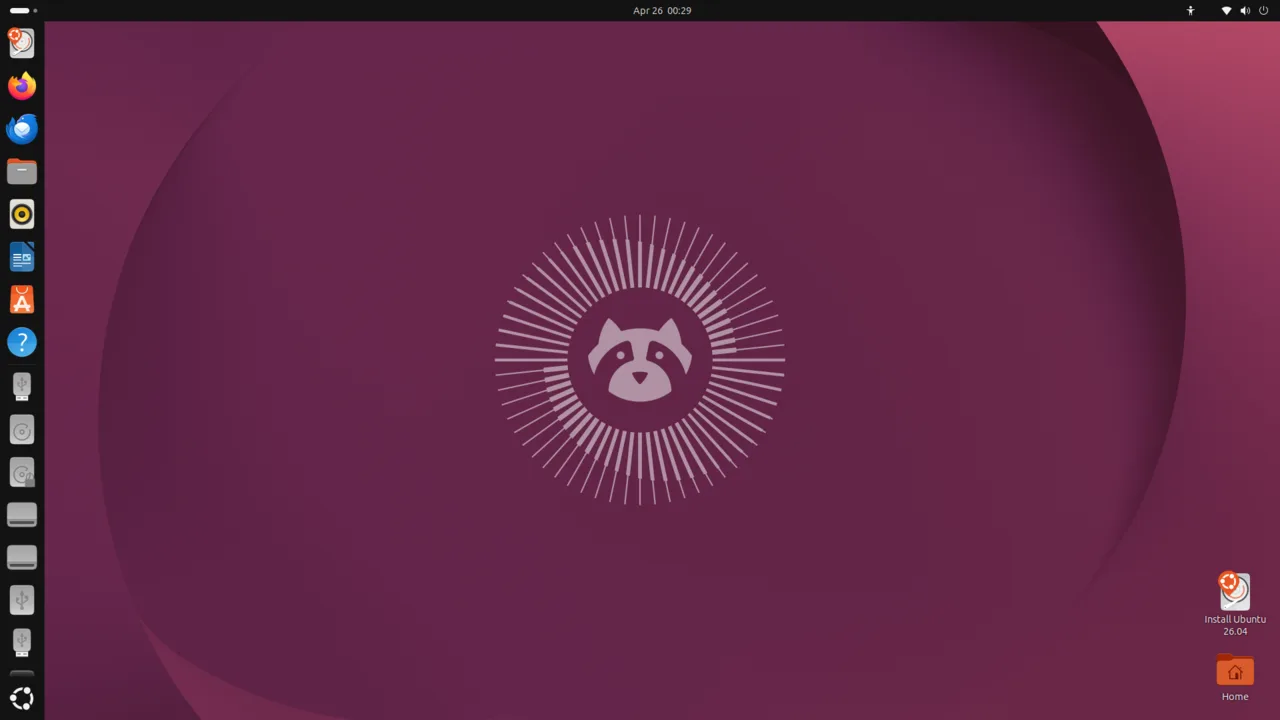

Ubuntu is a Debian-based distribution from Canonical and one of the most widely used Linux desktops. Long-term support releases like 26.04.1 LTS arrive every two years and get five years of free security updates, extendable with Ubuntu Pro (free for personal use on up to five machines).
Ubuntu is an aggregate work: every package is covered by its own license. The installer’s optional third-party software box adds proprietary graphics drivers and extra media formats - tick it or skip it.
Quick start
Checked against the project’s documentation on November 10, 2026. Canonical’s install tutorial is being refreshed for newer releases. We have not run these steps ourselves.
Get the image
Download Ubuntu Desktop 26.04.1 LTS from https://ubuntu.com/download/desktop (about 6 GB). The page lists the requirements: a 2 GHz dual-core processor, 6 GB of RAM and 25 GB of disk space.
Write it to a USB stick
Canonical’s tutorial uses balenaEtcher: select the ISO, select the USB drive, flash. The stick is erased in the process; back up first.
Try it, then install
Boot from the USB (often F12 for the boot menu). The live session lets you try Ubuntu without installing; the installer offers erasing the disk or installing alongside another OS, plus the optional third-party software box.
Get the image · Plan a safe Ubuntu install. Paste into your AI assistant. It may only be able to guide you. Review changes before running anything.
Researched, not run by the Index. Checked 2026-11-12. No AI account or connection is needed here.
Read or copy the prompt manually
Tags: Operating systems