Servers & monitoring
Technitium DNS Server
Self-hosted recursive DNS server with ad blocking, DNS-over-HTTPS and DNS-over-TLS, a web console and clustering support.
Release notes / v15.6.2
Released 2026-10-17. Snapshot from the included release data, not a live check.
Latest GitHub release at check time.
Read the full release notes on GitHub ↗Available on these platforms
Official hardware and installation choices ↗
Cross-platform .NET server administered through its web console on port 5380; free port 53 from any existing resolver first.
Compatibility details and official sources
- Linux - Self-hosted server (install script, tar.gz or Docker)
- Windows - Self-hosted server (setup or portable)
- macOS - Self-hosted server (tar.gz or Docker)
- Web - Browser admin console
Official availability checked 2026-11-12. Availability is not feature parity. The recorded release and license refer to the linked source project; separate clients can differ. No install or compatibility test was run.
Before you install
A full DNS server with a web console.
- What does it run on?
- A .NET application on a Linux or Windows machine, managed through its web console. Handles recursive and authoritative DNS.
- Where is my data?
- Zones, blocklists and query logs live on your server. It speaks DNS-over-HTTPS, DNS-over-TLS and DNS-over-QUIC.
- What will I maintain?
- Updates, blocklist choices and router DNS settings. GPLv3; can run primary and secondary zones with clustering if you outgrow one box.
Advice and funding routes source-checked November 12, 2026. Researched, not an install or restore test. Installation source ↗ · Report a correction
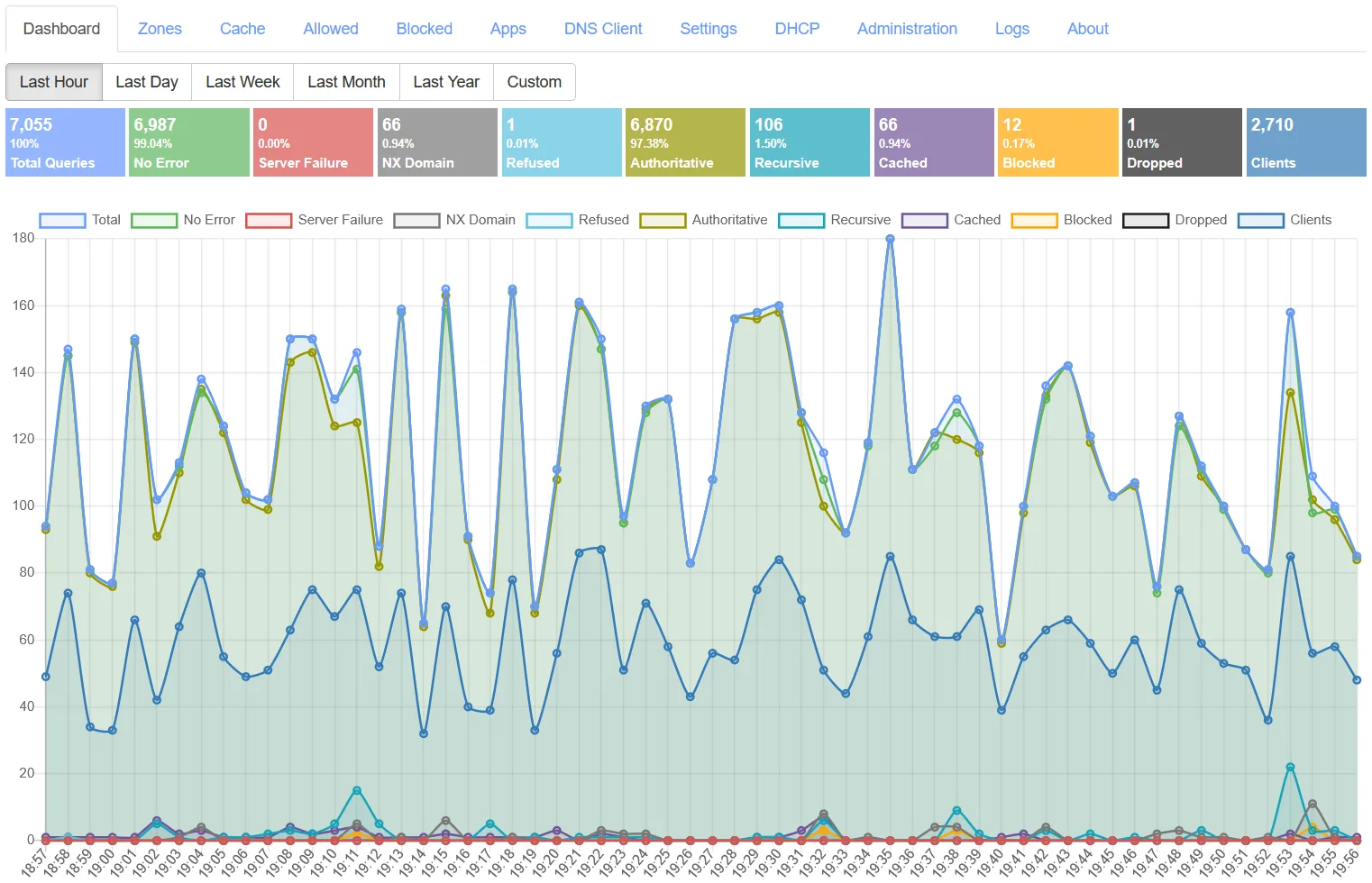
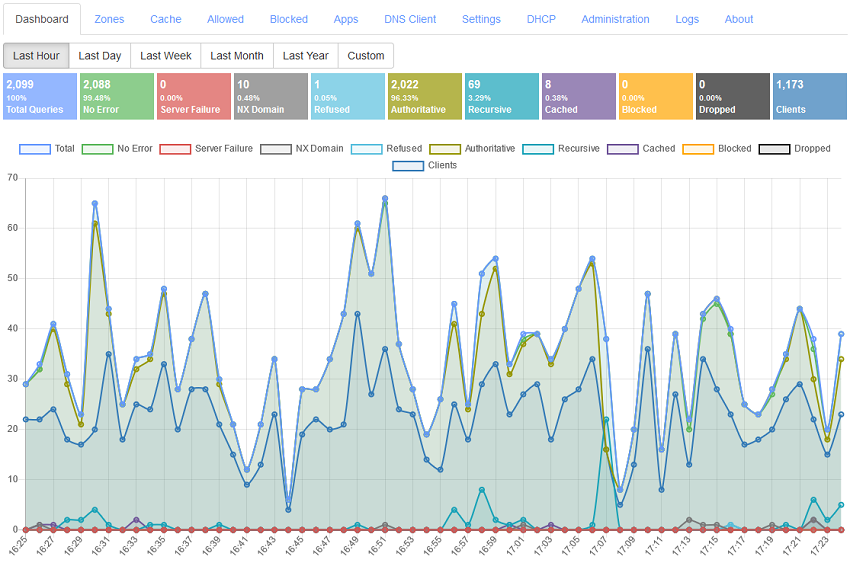
Technitium DNS Server is a GPLv3 recursive and authoritative DNS server for your own network, written in .NET and run through a web console. It blocks ads and trackers at the DNS level, speaks DNS-over-HTTPS, DNS-over-TLS and DNS-over-QUIC, and can run primary and secondary zones with clustering. It overlaps with Pi-hole and AdGuard Home but also aims to be a full authoritative server, not only a filter.
Technitium is the name and mark of the project. This is an independent listing, not an official Technitium resource or an endorsement.
Quick start
Researched from Technitium’s documentation and GitHub releases on November 12, 2026. We have not installed or run it.
Linux
The project’s documented install route is its install script, which sets up the .NET runtime and a systemd unit:
curl -sSL https://download.technitium.com/dns/install.sh | sudo bashIf you prefer not to pipe a script, the same page documents manual tar.gz
installation and a Docker image (technitium/dns-server). The web console
listens on port 5380 by default; open http://<server-ip>:5380/ from a
trusted LAN device, set the admin password on first login, then configure
forwarders or root recursion and any block lists. Keep the console off the
public internet. DNS itself listens on port 53, so free it from any existing
resolver (such as systemd-resolved) first.
NixOS
services.technitium-dns-server = {
  enable = true;
  openFirewall = true;
};
Apply with sudo nixos-rebuild switch. The module runs the server and its
web console; finish setup through the console as above and review the
module’s firewall option against your own interface rules.
First use
Point one test device at the server for DNS and watch the dashboard’s query log before changing router-wide settings. Add block lists gradually and check the cache and stats tiles. Back up the server’s configuration folder once your zones and settings are stable.
Documentation
Linux · Self-hosted recursive DNS server with ad blocking, DNS-over-HTTPS and DNS-over-TLS, a web console and clustering support. Paste into your AI assistant. It may only be able to guide you. Review changes before running anything.
Researched, not run by the Index. Checked 2026-11-12. No AI account or connection is needed here.
Read or copy the prompt manually
NixOS · Self-hosted recursive DNS server with ad blocking, DNS-over-HTTPS and DNS-over-TLS, a web console and clustering support. Paste into your AI assistant. It may only be able to guide you. Review changes before running anything.
Researched, not run by the Index. Checked 2026-11-12. No AI account or connection is needed here.
Read or copy the prompt manually
Tags: Infrastructure