Operating systems
Tails
Amnesic live operating system on a USB stick: routes connections through Tor and leaves no trace on the computer by default.
Release notes / 7.17
Version checked by hand on 2026-11-12. Snapshot from the included release data, not a live check.
Install page lists Tails 7.17 released November 11, 2026. USB image; verify with the project's browser verification or documented GnuPG method.
Read the full release notes ↗Device compatibility
Official hardware and installation choices ↗
Tails runs live from a USB stick on PC or Mac hardware; it is not an app install and, per the project's install page, does not work on smartphones or tablets.
Compatibility details and official sources
Official availability checked 2026-11-12. Availability is not feature parity. The recorded release and license refer to the linked source project; separate clients can differ. No install or compatibility test was run.
Before you install
You do not install it - you carry it.
- Install or live USB?
- Tails runs from a USB stick and leaves no trace on the computer by default. There is no installer in the usual sense: the stick is the system.
- Where does my data go?
- Nowhere, unless you set up the encrypted persistent storage on the stick. Everything else vanishes on shutdown, by design.
- What are the limits?
- Tor protects connections, not identity mistakes: logging into personal accounts can still identify you, and closed-source firmware is included so more hardware works.
Advice and funding routes source-checked November 12, 2026. Researched, not an install or restore test. Installation source ↗ · Report a correction
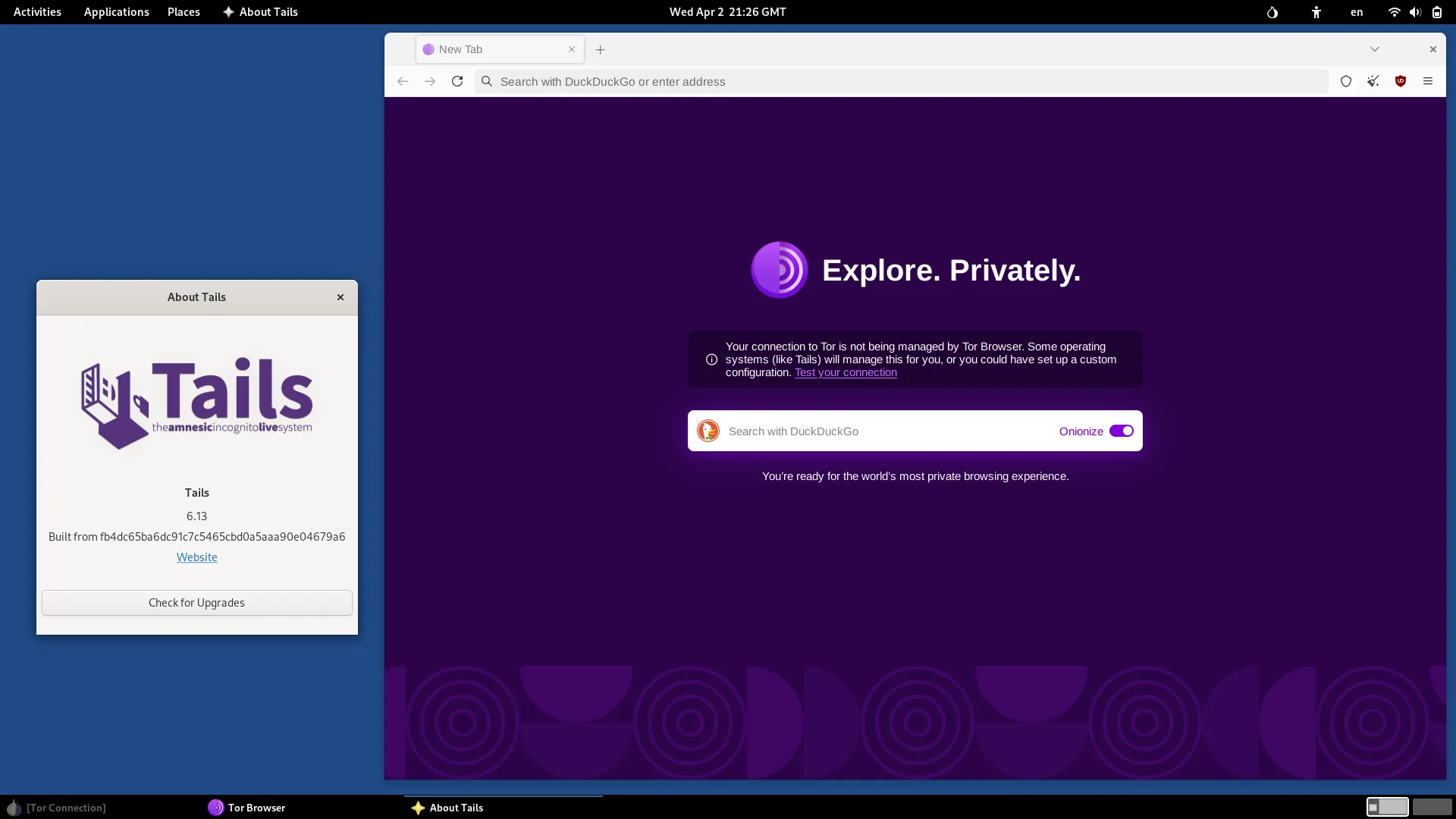

Tails is a live operating system you start from a USB stick instead of installing. It routes connections through the Tor network, leaves no trace on the computer by default, and offers an encrypted persistent storage for what you choose to keep. It aims to protect against surveillance and censorship on hardware you do not control.
Tails’ own source code is released under the GNU GPL, version 3 or above, while most included software comes from Debian packages under their own licenses; Tails also ships closed-source binary firmware so it works on more hardware. Tails is a registered trademark of The Tor Project, Inc. This is an independent listing, not an official Tails resource or an endorsement.
Quick start
Researched from Tails’ install documentation on November 12, 2026. We have not downloaded, written or booted an operating system.
Download and verify
Follow the official install page and download the USB image (version 7.17 at our check). Verify the download with the project’s browser verification or the documented GnuPG method - verification matters more for a privacy tool, not less.
Write the USB
Write the verified image to a USB stick of sufficient size with the tool the install guide names for your system. Writing the image overwrites the whole USB stick: confirm the device and back up anything you need first.
Boot and try
Boot the computer from the USB stick (PC or Mac; Tails does not work on smartphones or tablets, because their hardware differs from computers). Everything runs from the stick: you can use Tails without changing the computer’s own system, and remove it by shutting down and unplugging.
First use
Connect to the network and let the Tor Connection assistant establish a connection before browsing. Set up an encrypted persistent storage only for what you genuinely need to keep. Apply Tails upgrades when the project offers them; read the release notes on the install page for any manual steps.
NixOS compatibility
Tails is a live operating system, not a NixOS application or service. Run it from its own USB stick rather than expect a Nix package to reproduce it.
Documentation
Download and verify · Plan a safe Tails install. Paste into your AI assistant. It may only be able to guide you. Review changes before running anything.
Researched, not run by the Index. Checked 2026-11-12. No AI account or connection is needed here.
Read or copy the prompt manually
Tags: Operating systems