Work & organize
SilverBullet
A programmable Markdown knowledge base backed by files you can keep and move.
Release notes / 2.12.1
Released 2026-10-12. Snapshot from the included release data, not a live check.
* Security: the filesystem API refuses access to dot-prefixed files and directories, consistent with space listings. * Fix: HTTP file validators respect `If-None-Match` precedence, and file reads and conditional writes tolerate proxies that weaken or transform ETags. * Fix: YAML data blocks split only on standalone `---` lines; X-Ray includes attributes added during indexing. * Fix: `system.reboot()` preserves external edits and clears cached widgets. Reopening a page restores a remembered scroll position of zero. * Fix: the [[Runtime API]] returns JSON for query rows, null values, dates and other Lua values without serialization crashes, and remains usable after the client reloads its UI. * SLIQ errors offer more specific explanations for common mistakes. * Public spaces expose `rob…
Read the full release notes on GitHub ↗Available on these platforms
This listing is scoped to the open-source MIT SilverBullet Server and its browser/PWA interface. SilverBullet Desktop is explicitly not open source according to the project FAQ and is excluded from native Linux/Windows/macOS FOSS app counts. A PWA on a phone is not a separate native mobile app.
Compatibility details and official sources
- Web - Browser interface
Official availability checked 2026-11-12. Availability is not feature parity. The recorded release and license refer to the linked source project; separate clients can differ. No install or compatibility test was run.
Before you install
A knowledge base that stays plain Markdown.
- What does it run on?
- A server you run - Docker, Deno or a NixOS module - used through the browser. Notes are Markdown files with links and queries.
- Where is my data?
- The underlying files remain yours to edit, back up or move elsewhere; the extension and scripting system builds on top of them.
- What will I maintain?
- Updates and your own file backups. It rewards people who like shaping their own workflows.
Advice and funding routes source-checked November 12, 2026. Researched, not an install or restore test. Installation source ↗ · Report a correction
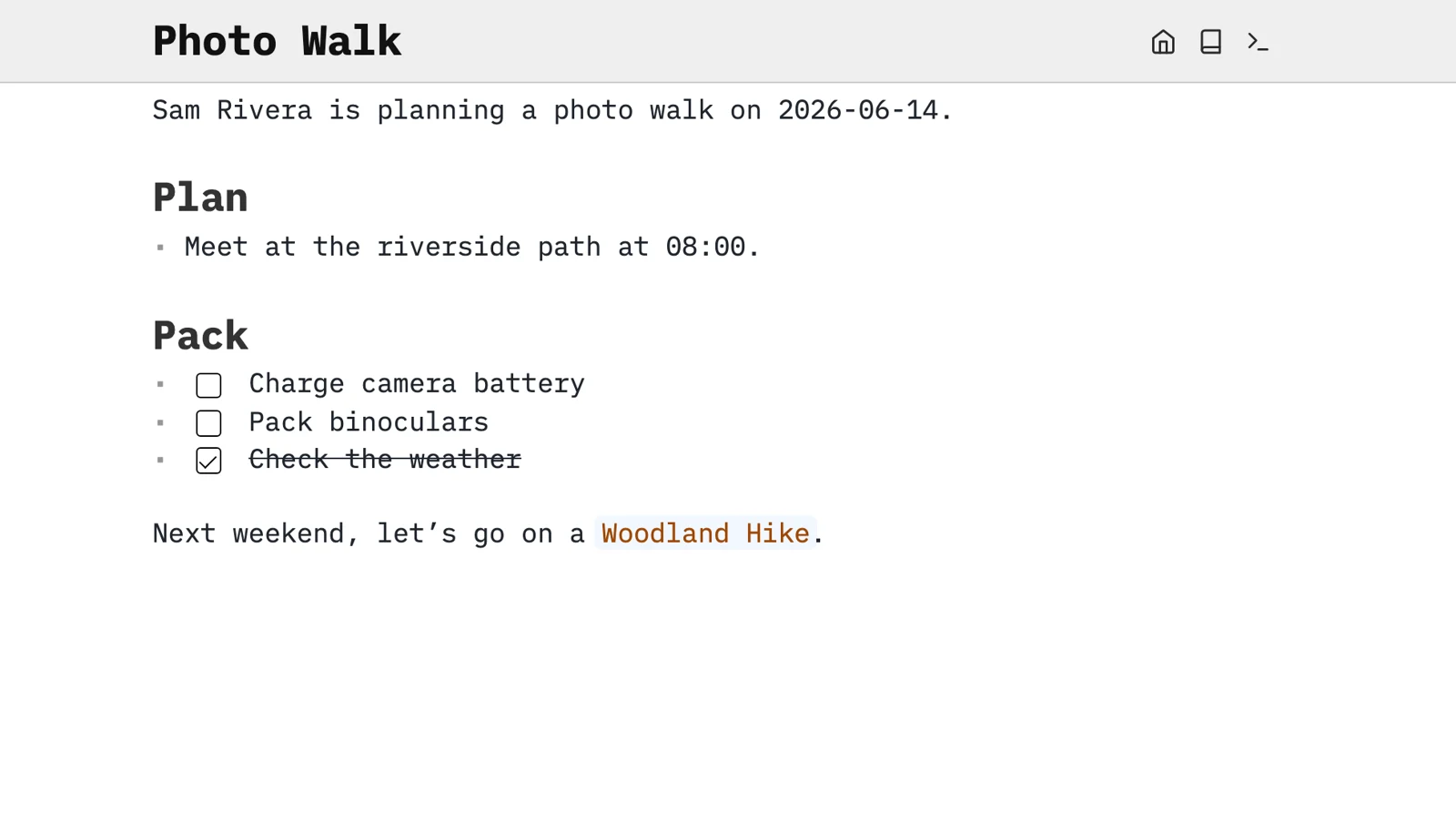

SilverBullet is a browser-based knowledge base built around Markdown files, links and queries. Its extension and scripting system can turn notes into small personal workflows, while the underlying files remain yours to edit, back up or move elsewhere.
It rewards people who like shaping their own workspace. A plain Markdown note is easy to start with; deeper automation needs time to learn. Treat installed extensions and scripts as code, not harmless formatting.
Quick start
Checked against upstream docs on November 9, 2026. We have not run these setups ourselves.
Docker is an upstream-documented route. The NixOS module is maintained in nixpkgs and may package a different version.
Docker Compose
Requires Docker and the Compose plugin. This follows the current official
image and data path, with a localhost-only port. Save as compose.yaml:
services:
  silverbullet:
    image: ghcr.io/silverbulletmd/silverbullet:latest
    ports:
      - "127.0.0.1:3000:3000"
    volumes:
      - ./data:/data
    restart: unless-stopped
Run docker compose up -d, then open http://localhost:3000 and complete the
server setup. The data directory holds the space’s files; back it up before
upgrades. Review release notes before pulling a new image. The current image
includes a runtime and Chromium; do not assume old Deno-based tutorials still
match the current server.
Keep this local while getting started. For remote access, follow the official server setup, authentication and HTTPS guidance before exposing it. Do not publish a notes directory without deciding who may access it.
NixOS
services.silverbullet.enable = true;Run sudo nixos-rebuild switch, then open http://localhost:3000 and complete
the server setup. The module listens on localhost port 3000 by default
(services.silverbullet.listenAddress and listenPort) and keeps the space
in /var/lib/silverbullet; back it up before upgrades.
Why it’s listed
A file-based option for people who want more than a folder of notes but do not want their knowledge base trapped in a hosted account. Trilium is the alternative here when a rich hierarchical database is a better fit.
Documentation
Docker Compose · A programmable Markdown knowledge base backed by files you can keep and move. Paste into your AI assistant. It may only be able to guide you. Review changes before running anything.
Researched, not run by the Index. Checked 2026-11-12. No AI account or connection is needed here.
Read or copy the prompt manually
NixOS · A programmable Markdown knowledge base backed by files you can keep and move. Paste into your AI assistant. It may only be able to guide you. Review changes before running anything.
Researched, not run by the Index. Checked 2026-11-12. No AI account or connection is needed here.
Read or copy the prompt manually
Tags: Notes