Operating systems
Pop!_OS
Ubuntu-based desktop Linux from System76 with its own COSMIC desktop.
Version checked by hand on 2026-11-10. Snapshot from the included release data, not a live check.
No release-notes excerpt is recorded here.
Open the project's release source ↗Device compatibility
Official hardware and installation choices ↗
Pop!_OS is a desktop operating system. Choose the appropriate current image and compatible hardware using the official requirements, not a phone-app platform badge.
Compatibility details and official sources
Official availability checked 2026-11-12. Availability is not feature parity. The recorded release and license refer to the linked source project; separate clients can differ. No install or compatibility test was run.
Before you install
Two images: standard, or NVIDIA-ready.
- Which image?
- The NVIDIA image bundles the driver for newer GeForce cards; the standard image covers everything else. Picking right at download saves a driver detour.
- What is COSMIC?
- System76's own desktop environment with optional auto-tiling - not GNOME, despite the Ubuntu base. It is the default, not an add-on.
- Will my hardware work?
- Standard 64-bit PCs, and naturally System76's own machines. A live session from the USB stick checks compatibility before you install.
Advice and funding routes source-checked November 12, 2026. Researched, not an install or restore test. Installation source ↗ · Report a correction
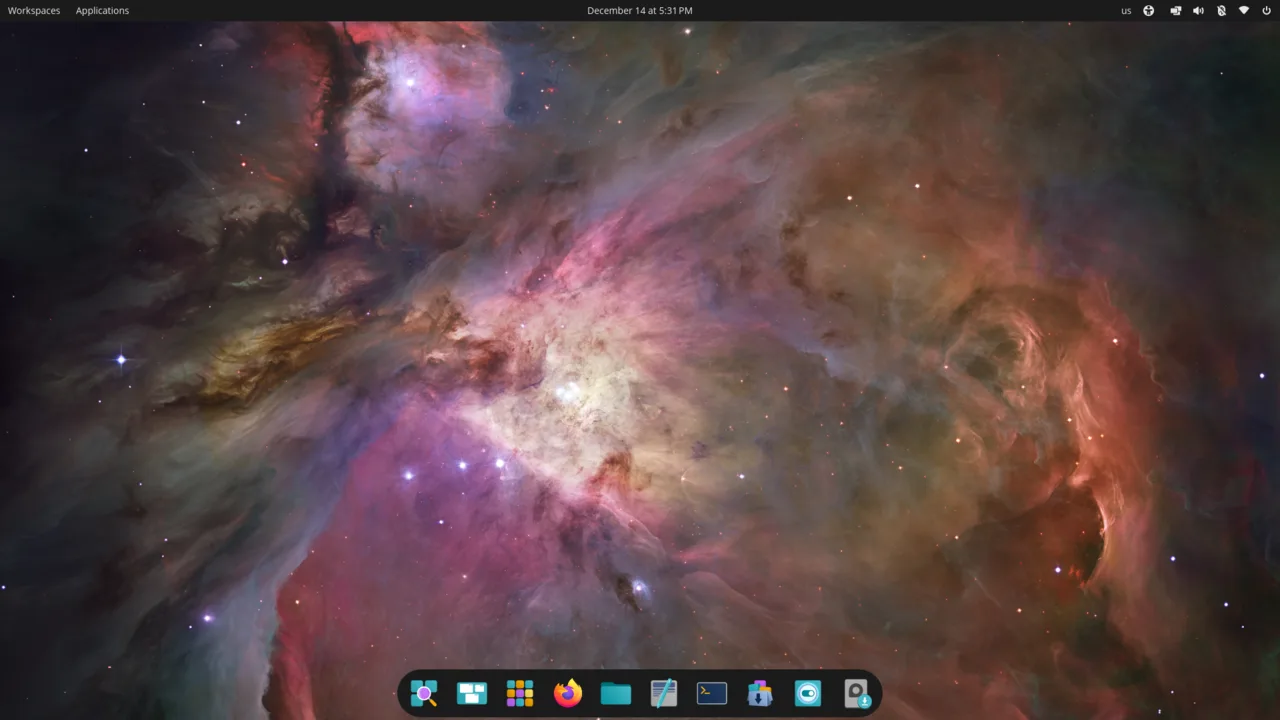

Pop!_OS is an Ubuntu-based distribution from System76, built around COSMIC, the company’s own desktop environment with optional auto-tiling. It ships in two images: standard, and one with NVIDIA drivers for newer GeForce cards.
Like its Ubuntu base, Pop!_OS is an aggregate of packages under their own licenses. System76’s own components are open source - the COSMIC desktop’s compositor and file manager, for example, are GPL-3.0.
Quick start
Checked against the project’s documentation on November 10, 2026. We have not run these steps ourselves.
Get the image
Download from https://system76.com/pop/download: the standard image, or the NVIDIA image for GeForce 16-series and newer. The page lists a SHA256 checksum; System76’s live-disk guide shows how to verify it with sha256sum, shasum or CertUtil. Disable Secure Boot before installing.
Write it to a USB stick
Follow System76’s live-disk guide to write the ISO to a USB stick. The stick is erased in the process; back up first. The install guide asks for 4 GB of RAM (8 GB recommended) and 20 GB of disk space.
Try it, then install
Boot from the USB through the firmware boot menu (Esc on System76 Open Firmware laptops; the key varies elsewhere). Choose “Try Demo Mode” for the live session, or “Clean Install”, the recommended route for new users, which erases the drive. “Custom (Advanced)” opens GParted for dual-boot setups.
Get the image · Plan a safe Pop!_OS install. Paste into your AI assistant. It may only be able to guide you. Review changes before running anything.
Researched, not run by the Index. Checked 2026-11-12. No AI account or connection is needed here.
Read or copy the prompt manually
Tags: Operating systems