Operating systems
Parrot OS
Debian-based Linux distribution for cybersecurity, privacy and everyday development, in Security, Home and other editions.
Release notes / 7.4
Version checked by hand on 2026-11-12. Snapshot from the included release data, not a live check.
Download page lists Parrot OS 7.4 (October 2026) for the Security/Home edition ISOs; per-release hash file and GPG-signed repository. Edition and VM images differ; this is the site-listed current release.
Read the full release notes ↗Device compatibility
Official hardware and installation choices ↗
Parrot OS is an operating system for AMD64 or ARM64 hardware and VMs, with WSL and Docker images; it is not an app for Windows, macOS, Android or iOS. Match the edition and architecture to your machine: the Security edition asks for 4 GB RAM minimum and 40 GB storage.
Compatibility details and official sources
Official availability checked 2026-11-12. Availability is not feature parity. The recorded release and license refer to the linked source project; separate clients can differ. No install or compatibility test was run.
Before you install
Home edition for daily use, Security for the lab.
- Which edition?
- Home is a privacy-minded daily desktop with no attack tooling. Security is the penetration-testing and forensics platform. HTB, IoT and cloud editions serve narrower uses.
- Daily driver material?
- The Home edition, yes. The Security edition assumes lab use: tools you run only against systems you own or may test.
- Hardware needs?
- A standard 64-bit PC, run live from USB, in a VM, or installed. Security tooling appreciates RAM; the desktop itself is Debian-modest.
Advice and funding routes source-checked November 12, 2026. Researched, not an install or restore test. Installation source ↗ · Report a correction
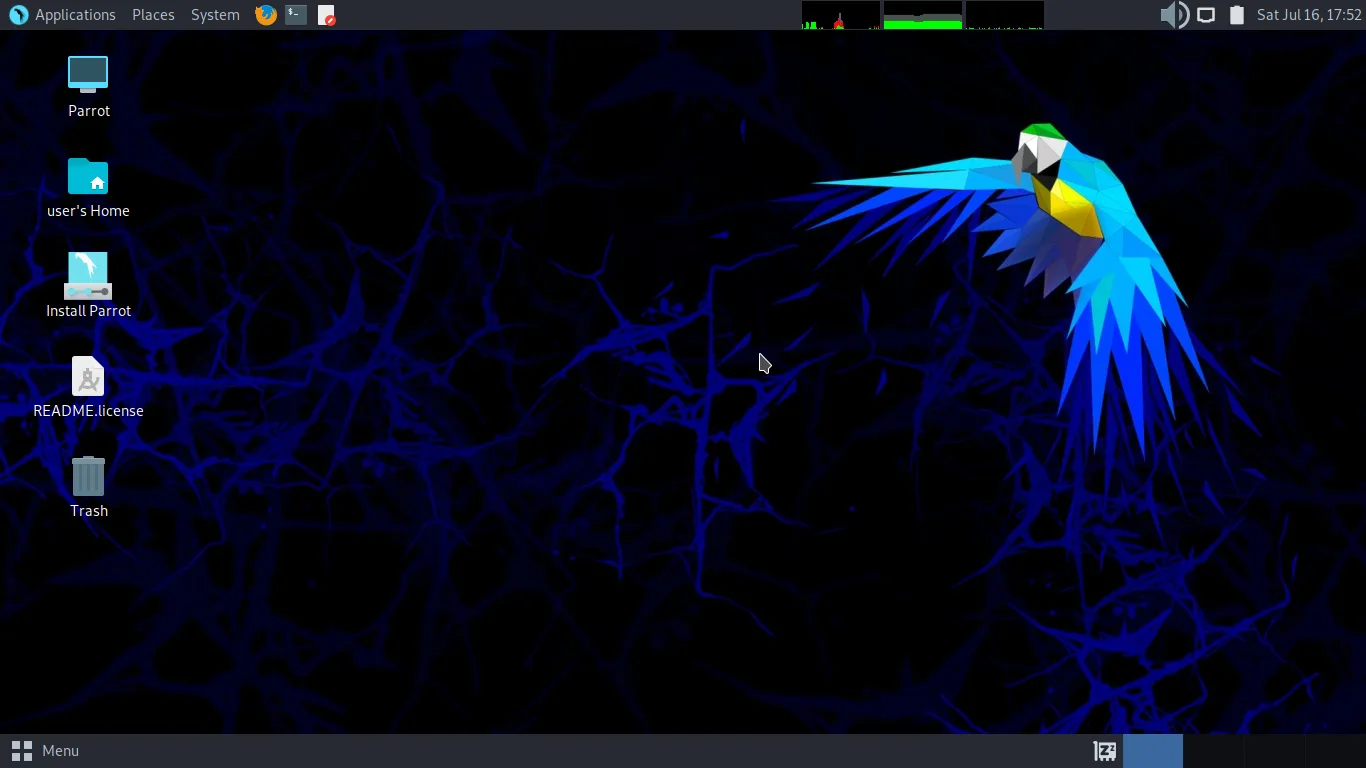

Parrot OS is a Debian-based Linux distribution from the Parrot Project. The Security edition is a penetration testing and forensics platform; the Home edition is a daily-use desktop with privacy tools and no preinstalled attack tooling. HTB, IoT and cloud/container editions serve narrower uses. Use its security tools only on systems you own or have explicit permission to test.
Parrot is derived from Debian and inherits its package licensing, so there is no single license for the whole distribution. The project’s download page states that the projects maintained by the Parrot team are released under the GPL. Check each package’s copyright file for its own terms.
Parrot is the name and mark of the Parrot Project. This is an independent listing, not an official Parrot resource or an endorsement.
Quick start
Researched from Parrot’s download page and documentation on November 12, 2026. We have not downloaded, booted or installed an operating system.
Pick an edition
Use the official download page and choose an edition for your use case: Security for penetration testing (800+ tools, 4 GB RAM minimum, 8 GB recommended, 40 GB storage), Home for daily use and development (2 GB RAM minimum), or the HTB, IoT and special images where they fit. AMD64 and ARM64 ISOs are offered alongside VM images (OVA, VMDK, QCOW2, Vagrant), WSL and Docker images.
Verify and write the image
Each release publishes a file of hashes generated right after the images are built, and the package repository is signed with the project’s GPG key. Check your downloaded image against the published hashes before writing it. Writing an ISO overwrites the target USB drive: confirm the device and back up anything you need first.
Try live, then install
Boot the USB from your firmware’s boot menu. Parrot runs in live mode so you can test hardware and the desktop before deciding; live mode can also create a persistent partition to keep data. Start the installer from the live session when ready, and review its target disk before continuing - an installer can erase data.
First use
Run the system’s package manager to update; Parrot’s repositories periodically
synchronize with Debian’s stable branch, with security-tool updates imported
by the Parrot team. The Security edition’s tools come from the
parrot-tools-full metapackage, while the Home edition carries only the
everyday configuration. Confirm the edition and release you installed before
trusting it with work.
NixOS compatibility
Parrot OS is an operating system, not a NixOS application or service. Try it in a virtual machine or on separate hardware rather than expect a Nix package to replace NixOS. Back up any system you intend to replace.
Documentation
Pick an edition · Plan a safe Parrot OS install. Paste into your AI assistant. It may only be able to guide you. Review changes before running anything.
Researched, not run by the Index. Checked 2026-11-12. No AI account or connection is needed here.
Read or copy the prompt manually
Tags: Operating systems