Servers & monitoring
Ollama
Run large language models locally with one command - a CLI and local API for downloading and serving open-weight models.
Release notes / v0.40.16
Released 2026-11-09. Snapshot from the included release data, not a live check.
Latest GitHub release at check time.
Read the full release notes on GitHub ↗Available on these platforms
Official hardware and installation choices ↗
Native installers for the three desktop platforms plus a Docker image; serves a local API on port 11434 with no browser UI of its own. Match model size to your RAM/VRAM before pulling.
Compatibility details and official sources
Official availability checked 2026-11-12. Availability is not feature parity. The recorded release and license refer to the linked source project; separate clients can differ. No install or compatibility test was run.
Before you install
Open-weight models with one command.
- What does it run on?
- Your own machine - Linux, macOS or Windows - with enough memory for the models you pick. GPU use is handled for you when available.
- Where is my data?
- Models and chats stay on your machine. A local API on port 11434 serves them to other apps; many local-AI frontends expect exactly this backend.
- What will I maintain?
- Model storage grows fast - watch disk space. Updates are a single binary or service restart. MIT-licensed.
Advice and funding routes source-checked November 12, 2026. Researched, not an install or restore test. Installation source ↗ · Report a correction
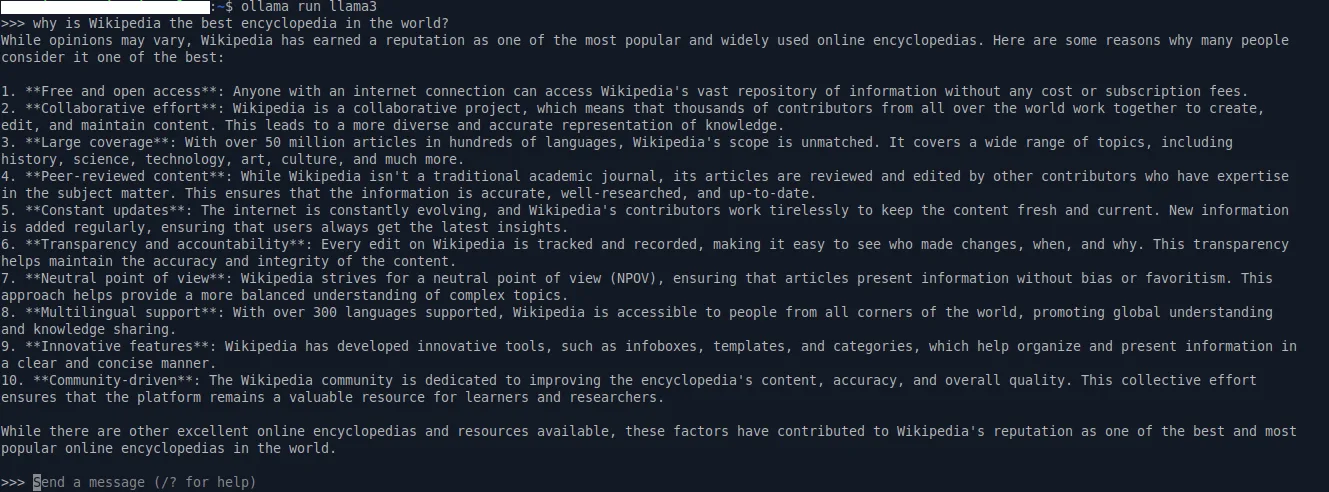

Ollama is an MIT-licensed tool that runs open-weight language models on your own machine: one command downloads a model and starts a chat, and a local API on port 11434 serves it to other apps. It handles model storage, quantized weights and GPU use, and is the backend many local-AI frontends expect. The models you download carry their own licenses - the MIT license covers the Ollama tool, not each model’s weights or terms.
Ollama is the name and mark of the project. This is an independent listing, not an official Ollama resource or an endorsement.
Quick start
Researched from Ollama’s documentation and GitHub releases on November 12, 2026. We have not installed or run it.
Linux
The project’s documented install route:
curl -fsSL https://ollama.com/install.sh | sh
ollama run llama3.2
The first run downloads the model (several GB) and starts an interactive
session. Native installers also exist for macOS and Windows, and a Docker
image is published. Check your GPU and RAM against the model’s size on the
model library page before pulling; a quantized 7-8B model is a practical
starting point on a desktop.
NixOS
services.ollama = {
  enable = true;
  # acceleration = "cuda"; # or "rocm", if your GPU is supported
};
Apply with sudo nixos-rebuild switch. The module runs the Ollama service
and its API; pull models with ollama pull as your user or through the
module’s loadModels option, and keep the API bound to localhost unless
you deliberately share it.
First use
Try a small model interactively, then point a frontend or your own scripts
at http://127.0.0.1:11434. Watch memory use: concurrent models stay
loaded until they idle out, and larger models need proportionally more RAM
or VRAM.
Documentation
Linux · Run large language models locally with one command - a CLI and local API for downloading and serving open-weight models. Paste into your AI assistant. It may only be able to guide you. Review changes before running anything.
Researched, not run by the Index. Checked 2026-11-12. No AI account or connection is needed here.
Read or copy the prompt manually
NixOS · Run large language models locally with one command - a CLI and local API for downloading and serving open-weight models. Paste into your AI assistant. It may only be able to guide you. Review changes before running anything.
Researched, not run by the Index. Checked 2026-11-12. No AI account or connection is needed here.
Read or copy the prompt manually
Tags: Development