Operating systems
Kali Linux
Debian-based Linux distribution for penetration testing, security auditing and digital forensics.
Version checked by hand on 2026-11-10. Snapshot from the included release data, not a live check.
No release-notes excerpt is recorded here.
Open the project's release source ↗Device compatibility
Official hardware and installation choices ↗
Kali offers distinct installation, VM and other deployment routes. Match the route and hardware to the owning instructions. Its NetHunter phone offerings are device-specific separate installation paths, not evidence Kali replaces iOS or runs natively on every Android phone.
Compatibility details and official sources
Official availability checked 2026-11-12. Availability is not feature parity. The recorded release and license refer to the linked source project; separate clients can differ. No install or compatibility test was run.
Before you install
A workbench for authorized security testing, not a daily desktop.
- Should this be my main OS?
- OffSec itself recommends against Kali as a general-purpose desktop for people unfamiliar with Linux. A VM or live image keeps your main system untouched.
- Installer, VM or live?
- Pre-built virtual machines are the fastest safe start; live images run from USB with optional persistence; the installer is for dedicated machines.
- What may I test?
- Only systems you own or have explicit permission to test. The tools are dual-use, and this listing assumes lawful, authorized work.
Advice and funding routes source-checked November 12, 2026. Researched, not an install or restore test. Installation source ↗ · Report a correction
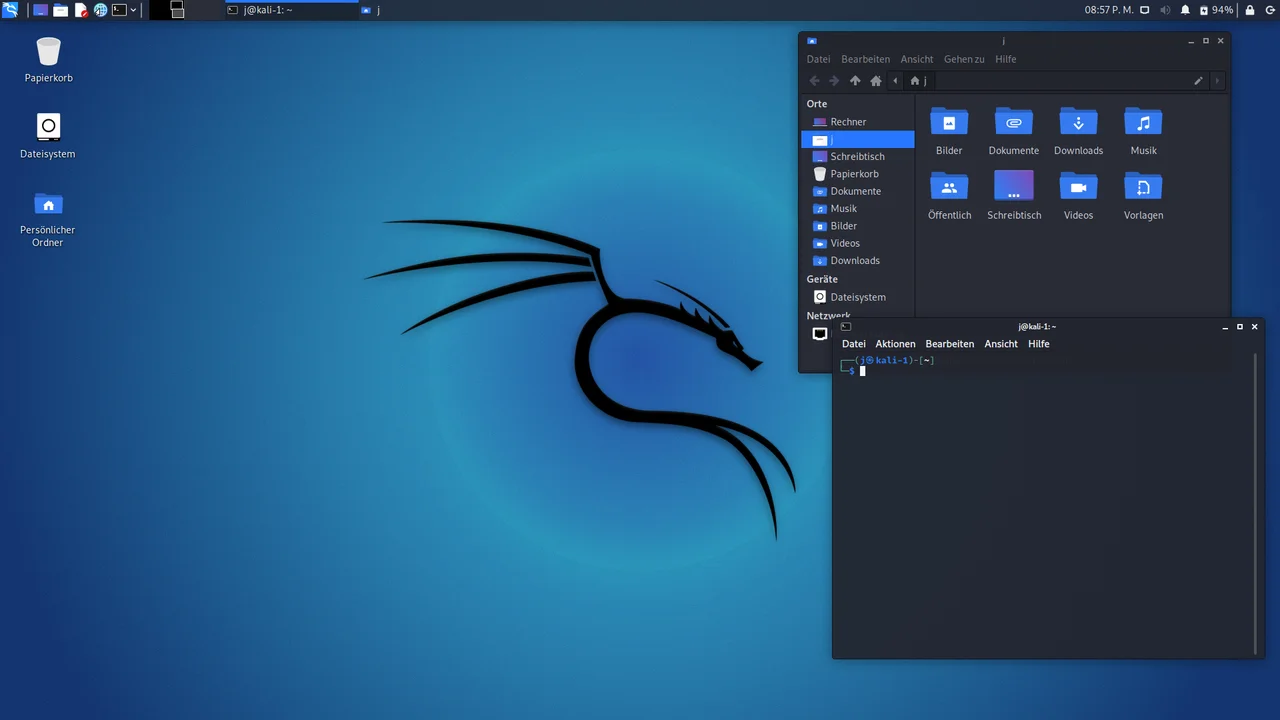

Kali Linux™ is a Debian-based distribution maintained by OffSec for penetration testing, security auditing and digital forensics. Its developers do not recommend it as a general-purpose desktop for people unfamiliar with Linux. Use its security tools only on systems you own or have explicit permission to test.
The project offers installers, pre-built virtual machines and Live images for different uses. Choose an image for your hardware and intended workflow; these are different downloads, not interchangeable editions.
There is no single license for the whole distribution. Kali’s open-source policy says its main section follows the Debian Free Software Guidelines, while its non-free section includes some tools that are not open source. Kali’s own infrastructure and integration work is under GPLv3. Check each package’s copyright file for its terms.
Kali Linux is a trademark of OffSec. The name and original dragon marks are used here only to identify the distribution; no affiliation or endorsement is implied. See the project’s trademark policy.
Quick start
Checked against the project’s documentation on November 10, 2026. We have not run these steps or tested these images ourselves.
Choose an image
Start at the official download page. Kali recommends a virtual machine for a first installation; pre-built VM images are available there. Installer images are for installing Kali to a disk, while Live Boot images let you run a session without installing. Check the image’s architecture and requirements against your hardware.
The current point release checked here is 2026.3. Follow Kali’s download verification guide to verify the signed checksums before using an image. Download only through Kali’s official sources.
Try it from USB
Kali’s Windows Live USB guide covers writing a Live image to an 8 GB drive or larger, using Etcher or Rufus. In Etcher, select the verified ISO, select the correct USB drive, then flash it. Writing the image erases that drive, so back it up and check the target carefully. The guide links separate instructions for Linux and macOS.
Start safely
Restart with the stick inserted and select it in your firmware’s boot menu. For a Live image, choose a Live session rather than an installation option. Hardware support varies; check Kali’s documentation for your machine.
Ordinary Live-session changes do not persist automatically. Persistent Storage is a separate setup, not something this quick start configures. Installation can overwrite data; back up before using an installer. Kali recommends first trying a virtual machine if you are new to installing it.
Support and contribute
No direct donation route is recorded here. Kali’s official contribution guide explains ways to help with documentation, packaging, QA testing, mirrors and seeding its torrents.
Choose an image · Plan a safe Kali Linux install. Paste into your AI assistant. It may only be able to guide you. Review changes before running anything.
Researched, not run by the Index. Checked 2026-11-12. No AI account or connection is needed here.
Read or copy the prompt manually
Tags: Operating systems