Work & organize
FreshRSS
Self-hosted RSS feed aggregator.
Released 2026-10-21. Snapshot from the included release data, not a live check.
No release-notes excerpt is recorded here.
Open the project's release source ↗Available on these platforms
FreshRSS documents a responsive browser interface. Its API-compatible native feed-reader apps are separate projects with their own source, licenses and features; they are not listed as native FreshRSS platforms.
Compatibility details and official sources
- Web - Browser interface
Official availability checked 2026-11-12. Availability is not feature parity. The recorded release and license refer to the linked source project; separate clients can differ. No install or compatibility test was run.
Before you install
Your feeds, one reader you host.
- What does it run on?
- A small PHP web app - Docker or a classic web-server install - plus any compatible reader app on your devices.
- Where is my data?
- Your subscriptions and read state live in your own database. Per its README it supports WebSub push from compatible sources.
- What will I maintain?
- Updates and a database backup. Pair it with a mobile reader app for reading away from the browser.
Advice and funding routes source-checked November 12, 2026. Researched, not an install or restore test. Installation source ↗ · Report a correction
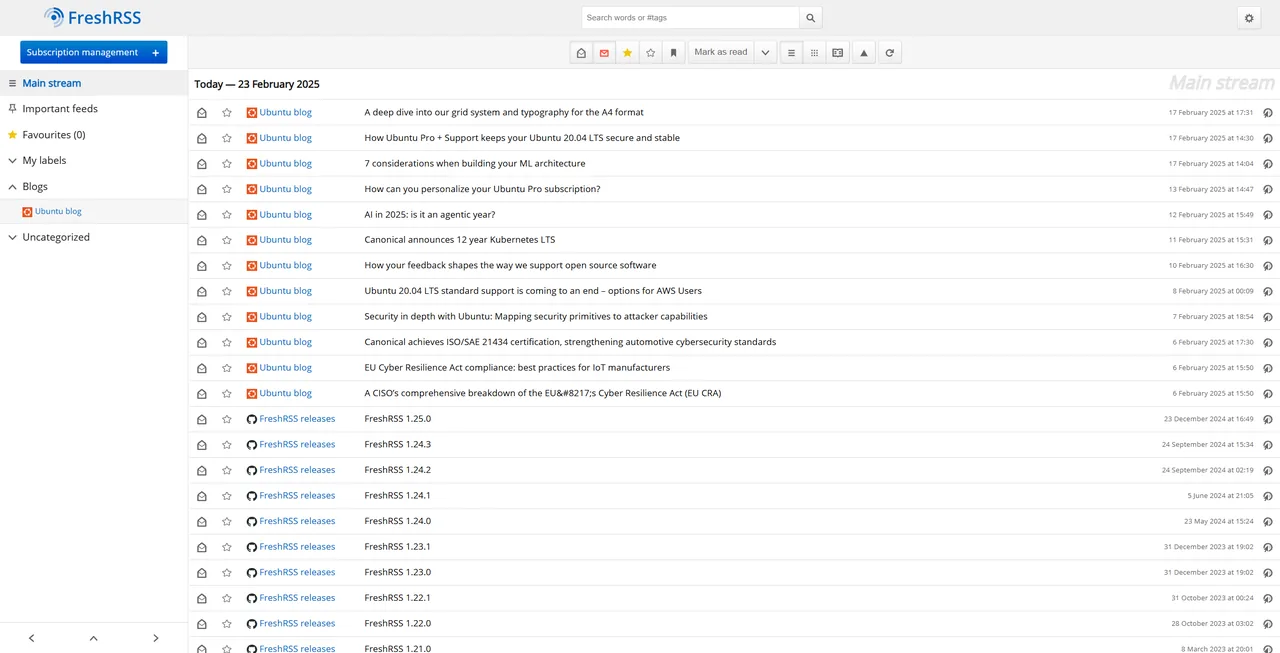
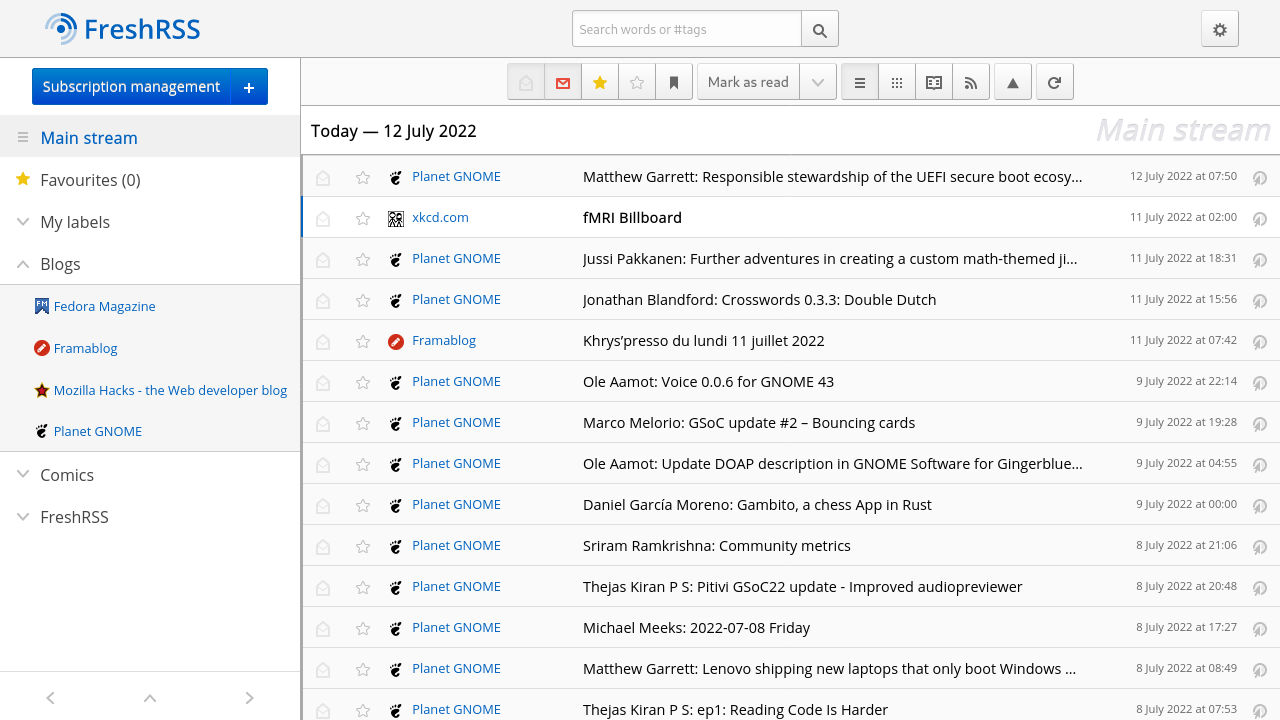
FreshRSS collects the feeds you follow into one reader that you host yourself. Per its README, it supports WebSub push notifications from compatible sources.
Quick start
Checked against the project’s own documentation on November 9, 2026. We have not run these installs ourselves. Commands are copied from the project’s pages, or from Flathub and Homebrew where the section says so.
Docker
From the project’s Docker README:
docker run -d --restart unless-stopped --log-opt max-size=10m \
  -p 8080:80 \
  -e TZ=Europe/Paris \
  -e CRON_MIN=1,31 \
  -v freshrss_data:/var/www/FreshRSS/data \
  -v freshrss_extensions:/var/www/FreshRSS/extensions \
  --name freshrss \
  freshrss/freshrss:latest
Change TZ to your timezone. The README’s example uses the rolling edge image, which tracks the development branch. This page uses latest, the README’s tag for the newest versioned release. The README also documents other tags and a Docker Compose setup. CRON_MIN makes it refresh feeds automatically.
Web server (PHP)
The general installation guide covers a plain install: a web server, PHP and a database, FreshRSS placed where PHP can write its data/ folder, and only the p/ folder exposed to the web. Docker is simpler if you have it.
NixOS
nixpkgs carries a module (source: nixos/modules/services/web-apps/freshrss.nix) that runs FreshRSS with php-fpm behind nginx (or caddy, via webserver):
services.freshrss = {
  enable = true;
  defaultUser = "admin";
  passwordFile = "/run/secrets/freshrss-password"; # keep outside the Nix store
  baseUrl = "http://localhost";
};
Apply with sudo nixos-rebuild switch, then sign in as admin with the password from passwordFile and change it. Data lives in /var/lib/freshrss.
First steps
- Open http://localhost:8080 and finish the installation in the web interface (language, database, first user).
- Add a feed under subscription management by pasting its address, or import an OPML file from another reader.
- If you’d rather script it, the Docker README shows
docker exec --user www-data freshrss cli/do-install.phpfor installing from the command line. - Put it behind HTTPS before exposing it beyond your own network.
Docker · Self-hosted RSS feed aggregator. Paste into your AI assistant. It may only be able to guide you. Review changes before running anything.
Researched, not run by the Index. Checked 2026-11-12. No AI account or connection is needed here.
Read or copy the prompt manually
Web server (PHP) · Self-hosted RSS feed aggregator. Paste into your AI assistant. It may only be able to guide you. Review changes before running anything.
Researched, not run by the Index. Checked 2026-11-12. No AI account or connection is needed here.
Read or copy the prompt manually
NixOS · Self-hosted RSS feed aggregator. Paste into your AI assistant. It may only be able to guide you. Review changes before running anything.
Researched, not run by the Index. Checked 2026-11-12. No AI account or connection is needed here.
Read or copy the prompt manually
Tags: Reading