Operating systems
Fedora®
Community Linux distribution with Workstation, Server and other focused editions.
Release notes / 45
Version checked by hand on 2026-11-11. Snapshot from the included release data, not a live check.
Fedora Project Leader announcement confirms general availability on November 3, 2026. The Workstation download page also displays a contradictory BETA label; verify the selected release image and signed checksum.
Read the full release notes ↗Device compatibility
Official hardware and installation choices ↗
Fedora Workstation is an operating system, not an app-platform download. Check the current edition, architecture and hardware requirements before choosing an image.
Compatibility details and official sources
Official availability checked 2026-11-12. Availability is not feature parity. The recorded release and license refer to the linked source project; separate clients can differ. No install or compatibility test was run.
Before you install
Workstation first; the other editions are different downloads.
- Which edition?
- Workstation is the GNOME desktop and the right first trial. Server, KDE Plasma, IoT and CoreOS are separate images for separate goals, not options inside one installer.
- How fast does it move?
- A new release about every six months, each supported for roughly thirteen. Upgrading between releases is a normal, supported path.
- What about my existing system?
- The live image boots from USB for a no-risk look; the installer can reclaim a disk or share it. Back up whatever you keep before partitioning.
Advice and funding routes source-checked November 12, 2026. Researched, not an install or restore test. Installation source ↗ · Report a correction
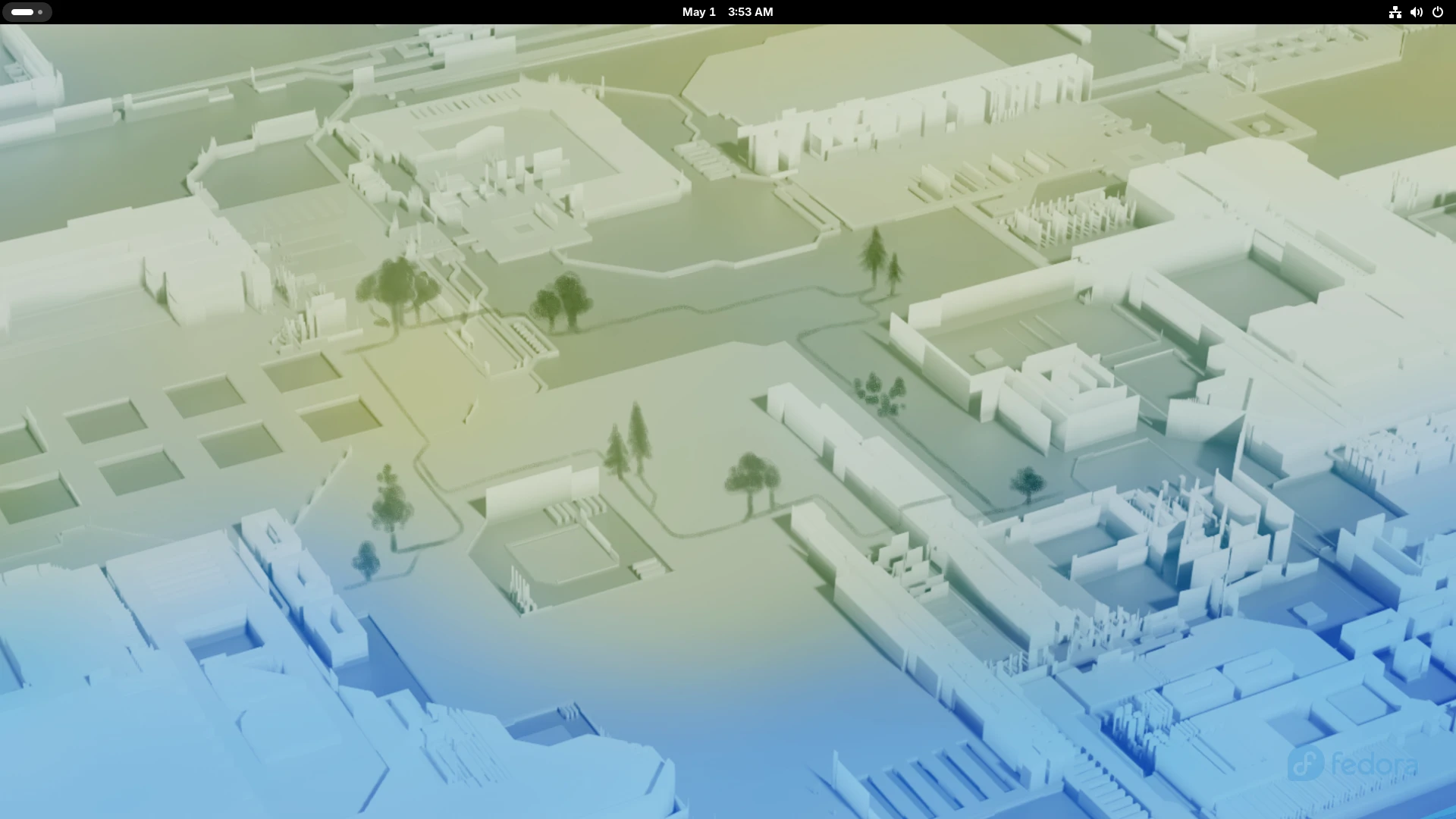

Fedora is a community Linux distribution. Workstation provides the GNOME desktop; Server, KDE Plasma, CoreOS and other editions serve different needs. This page uses Workstation for a first desktop trial rather than treating all editions as one install image. Packages use their own licenses; there is no single license covering the complete distribution. Some hardware firmware has separate terms.
Fedora and the Infinity design logo are trademarks of Red Hat, Inc. This is an independent listing, not an official Fedora resource or an endorsement.
Quick start
Researched from Fedora’s Workstation download and installation documentation on November 11, 2026. We have not downloaded, booted or installed an operating system.
Workstation
Get the image
Use the official Workstation download page and select the image for your processor. At our check, that page headed the release as Workstation 45 but labeled the ISO “BETA” despite a release date. The project leader’s release announcement confirms general availability on November 3. Check the selected image and its checksum against the release instructions rather than rely on the stray label.
Use the page’s Verify instructions to check the signed checksum and the image checksum. Prefer Fedora Media Writer to create a USB drive. It overwrites the selected USB drive: check its identity and back up anything you need first.
Try Workstation
Boot the USB from your firmware’s boot menu. The live session lets you test networking, sound, display and input devices before installing. Trying the live session is different from choosing to install to a disk. The installer can erase data; back up the computer and review its target disk before continuing.
Install
Start the installer from the live desktop when ready. Choose language, keyboard, time zone, users and disk layout as the current installer requests. Reboot and remove the USB after installation, then finish any first-login setup. Installer screens vary by release; follow the guide linked from the download page.
First use
Use GNOME Software to review updates and restart if requested. Open a terminal
and run cat /etc/fedora-release to confirm the installed release. Test your
normal hardware and workflow before migrating important work. Additional
software repositories may carry separate licensing and trust decisions.
NixOS compatibility
Fedora is an operating system, not a NixOS application or service. Try it in a virtual machine or on a separate disk rather than expect a Nix package to replace NixOS. Back up any system you intend to replace.
Documentation
- Fedora Workstation
- Workstation downloads, verification and installation guide
- Fedora documentation
- Trademark guidelines
Workstation · Plan a safe Fedora® install. Paste into your AI assistant. It may only be able to guide you. Review changes before running anything.
Researched, not run by the Index. Checked 2026-11-12. No AI account or connection is needed here.
Read or copy the prompt manually
Tags: Operating systems