Operating systems
Debian
Community-built universal operating system, the base for many other distributions.
Version checked by hand on 2026-11-10. Snapshot from the included release data, not a live check.
No release-notes excerpt is recorded here.
Open the project's release source ↗Device compatibility
Official hardware and installation choices ↗
Debian is an operating system, not an app for Windows, macOS, Android or iOS. Match the supported architecture and installation image to your hardware; the ports page distinguishes release architectures and other ports.
Compatibility details and official sources
Official availability checked 2026-11-12. Availability is not feature parity. The recorded release and license refer to the linked source project; separate clients can differ. No install or compatibility test was run.
Before you install
Try it live, then let stable be boring.
- Live image or installer?
- The live images (GNOME, KDE or Xfce) run from a USB stick without touching the disk - the easiest hardware check. The installer images go straight to installing.
- Which release track?
- Stable is the default for a reason: reliability over novelty, with years of security updates. Testing and unstable exist for people who accept breakage.
- Will my hardware work?
- Standard 64-bit PCs are the target, but Wi-Fi cards and very new graphics hardware are the usual exceptions. Official images can include non-free firmware for hardware that needs it; the live image is the cheapest way to check your machine.
Advice and funding routes source-checked November 12, 2026. Researched, not an install or restore test. Installation source ↗ · Report a correction
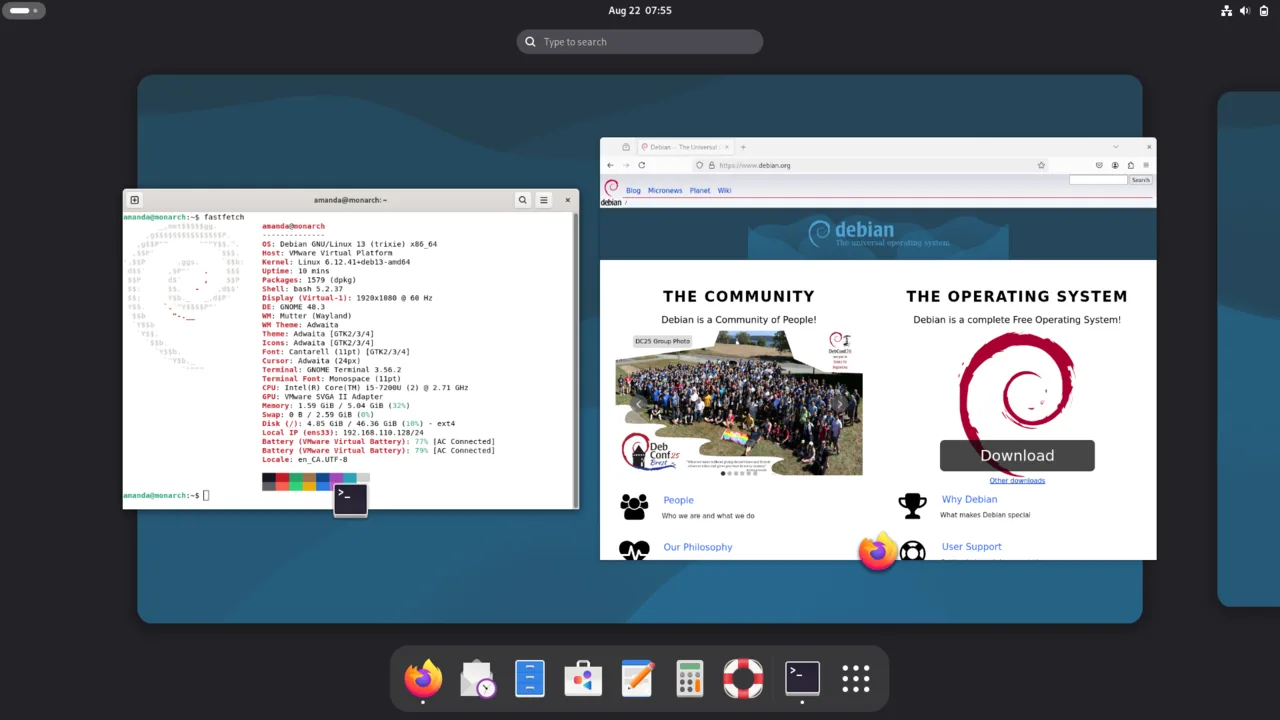

Debian is one of the oldest Linux distributions and the base for many others, including Ubuntu and Linux Mint. It is built by volunteers under the Debian Social Contract, and its stable releases favor reliability over novelty.
There is no single Debian license: the system is thousands of packages, each under its own free license that meets the Debian Free Software Guidelines. Official installer images can include non-free firmware, installed only when your hardware needs it.
Quick start
Checked against the project’s documentation on November 10, 2026. We have not run these steps ourselves.
Get the image
New to Debian? Choose a live image (GNOME, KDE or Xfce) from https://www.debian.org/CD/live/ - it runs from a USB stick without touching your disk, and its installer can install what you just tried. The smaller netinst image is the classic installer, but it needs an internet connection during setup.
Verify the download against the signed checksum files next to the images: https://www.debian.org/CD/verify.
Write it to a USB stick
Debian’s CD FAQ points Windows users to balenaEtcher or USBImager: pick the
ISO, pick the USB drive, flash. The stick is erased in the process, and a
raw cp of the ISO to the wrong device can wipe a disk, so leave that
method to the installation guide.
Try it, then install
Boot from the USB through your firmware’s boot menu (often F12, F11 or Esc). The live session runs entirely from the stick; start the installer from the desktop when you are ready. Back up anything you need first - the installation guide’s early chapters have a checklist.
Get the image · Plan a safe Debian install. Paste into your AI assistant. It may only be able to guide you. Review changes before running anything.
Researched, not run by the Index. Checked 2026-11-12. No AI account or connection is needed here.
Read or copy the prompt manually
Tags: Operating systems